CodeBuddy
CodeBuddy uses the OpenAI API. Point it at the OpenAI-compatible gateway.
Quick Start
This guide helps you get CodeBuddy running through the gateway in a few minutes.
Step 1: Edit the config file
macOS / Linux: ~/.codebuddy/models.json
Windows: %USERPROFILE%\.codebuddy\models.json
# Edit models.json
{
  "models": [
    {
      "id": "gpt-5.5",
      "name": "llmpool",
      "url": "https://api.benpay.ai/openai/v1/chat/completions",
      "apiKey": "...",
      "maxInputTokens": 128000,
      "maxOutputTokens": 8192,
      "supportsToolCall": true,
      "supportsImages": false
    }
  ],
  "availableModels": [
    "gpt-5.5"
  ]
}
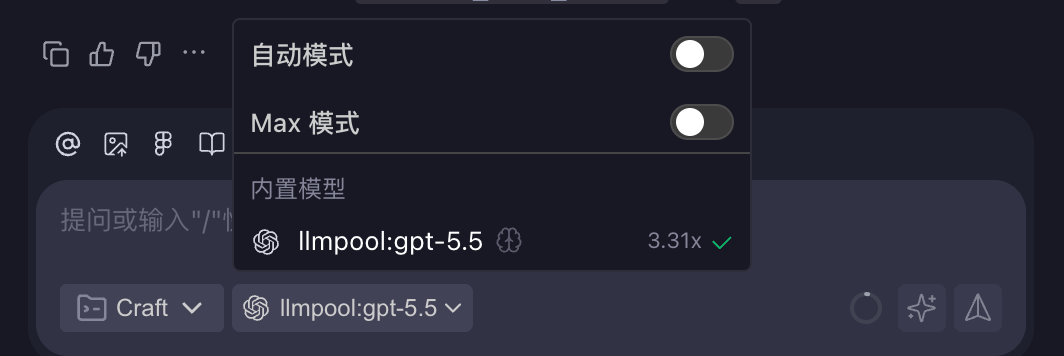
Step 2: Select a model
Choose the model you configured in Step 1 and start chatting.